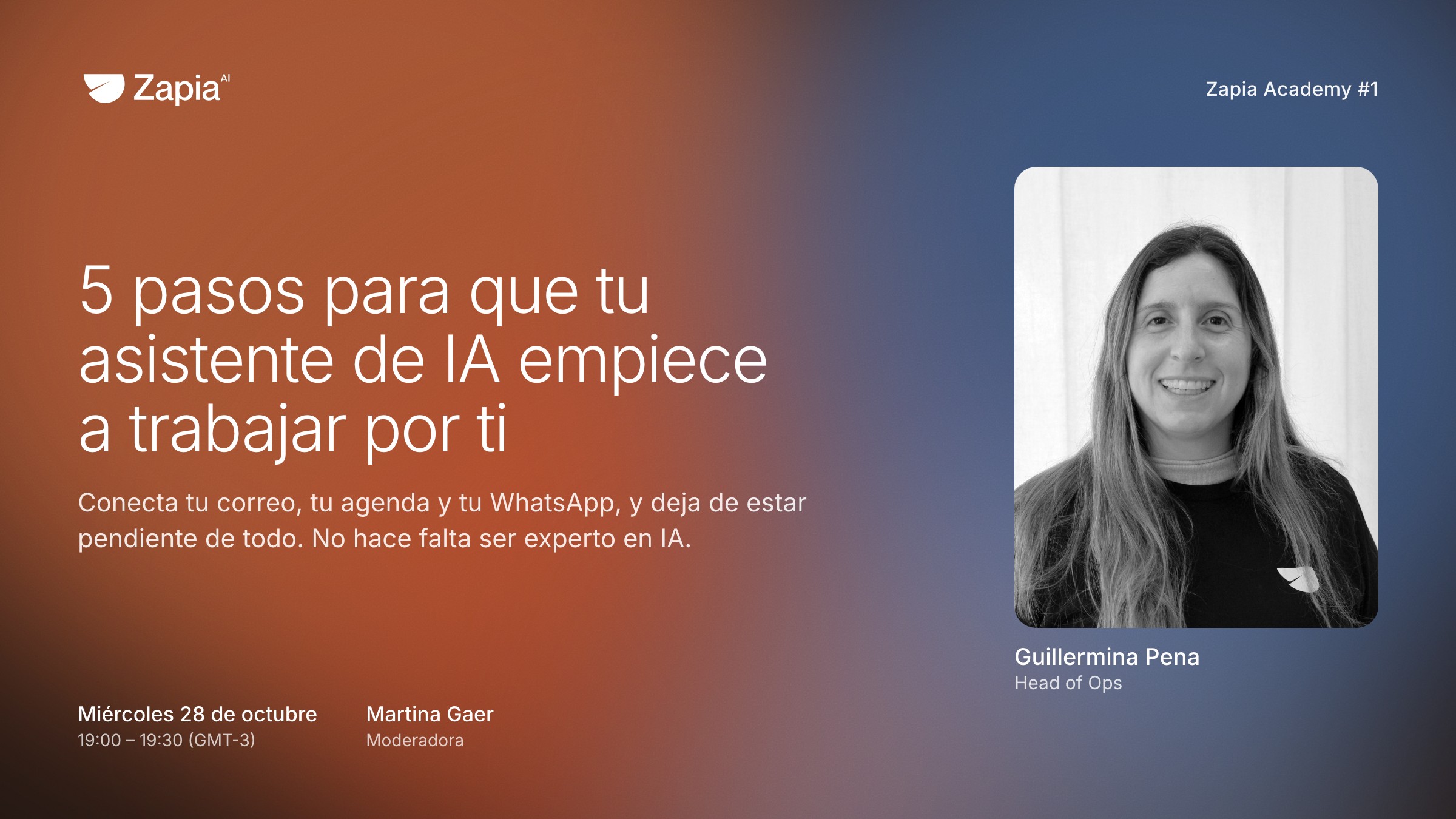
5 steps to get your AI assistant working for you
Presenter Guillermina Pena, Head of Ops at Zapia · Moderator Martina Gaer
What it's about
Between email, calendar and chats, every day leaves a list of things to deal with. This session is so you can stop tracking it yourself. You'll learn to connect those three to Zapia, ask it to alert you only about what matters, and set up recurring tasks so they get done on their own. You don't need to be an AI expert. Half an hour is enough for your assistant to work differently by tomorrow.
Five steps, shown live so you can repeat them at home:
- Connect your email, calendar and WhatsAppIt's a permission, a lot like opening WhatsApp on your computer. From then on Zapia knows what you have pending, and you can disconnect it whenever you want.
- Let Zapia tell you what mattersIt looks at what you connected and suggests what to do: reply to that email, confirm that meeting. You decide with one tap. In Zapia this is called Radar.
- Three things that happen on their own every dayA summary of your day at 7:30, a calendar that answers invitations for you and a shopping search that compares price, delivery and reviews. You ask once, in plain words.
- Ask it for things from WhatsAppType @zapia in any chat or group, as if you were talking to someone else, and it answers right there. No need to open the app.
- Teach it one of your tasks“Prep me for the meeting with Ana”: it searches your calendar, email and WhatsApp and sends you the summary beforehand. You come up with the phrase.
You leave with your email, calendar and WhatsApp connected, and with the first task Zapia does on its own for you. And if you like, we'll build one for your case live.
Who's hosting

Head of Ops at Zapia. She shows it on her real account.
Operations. She brings your questions in live.
FAQ
What language is it in?
Spanish. Zapia works in English too, so you can follow every step on your account in your own language.
Is it very technical?
No. It's a live demo on a real account: you see every screen and repeat it on yours. Martina brings in questions live.
How much does it cost?
Nothing. It's free, and Zapia has a free plan that covers everything you'll see.
How do I join on the day?
We email you the access link before Wednesday the 28th. You don't need to install anything to watch.
Will it be recorded?
Yes. If you sign up, you get the recording even if you can't make it live.
Do I need to know about AI or have Zapia installed?
You don't need to be an AI expert. If you already have Zapia, you can follow the steps live on your account. If not, download it first from zapia.com, or just watch and do it later with the recording.