Blog
How AI is helping people with disabilities
Zapia AI turns advanced technology into simple, free, and accessible solutions for everyone.
Technology has the power to open countless doors and create new opportunities, transforming the way we live, work, and communicate. Artificial intelligence (AI), in particular, stands out as an essential tool to reduce the barriers faced by people with disabilities, offering solutions that provide independence and simplify everyday life.
In this context, Zapia AI has been investing in artificial intelligence to also improve the users accessibility. Some features, like audio transcription, image recognition, and PDF reading, are integrated directly into WhatsApp, delivering a straightforward and inclusive experience that connects people with disabilities to vital information quickly, easily, and free of charge.
“Before I found Zapia, I had to ask someone else to help me understand the voice messages. I’d have to go to someone and ask them to tell me what the audio said. That wasn’t always comfortable, especially when the content was more private. Zapia has helped me a lot.” says Maria Antonia, a Zapia user with cochlear implants.
Here’s how Zapia can help you with your tasks today:
Audio Transcription for Hearing Impairments
For people with hearing impairments or difficulties, audio transcription is an excellent tool. Zapia automatically converts voice messages into text, ensuring no important information is missed and enabling smoother, more independent communication.
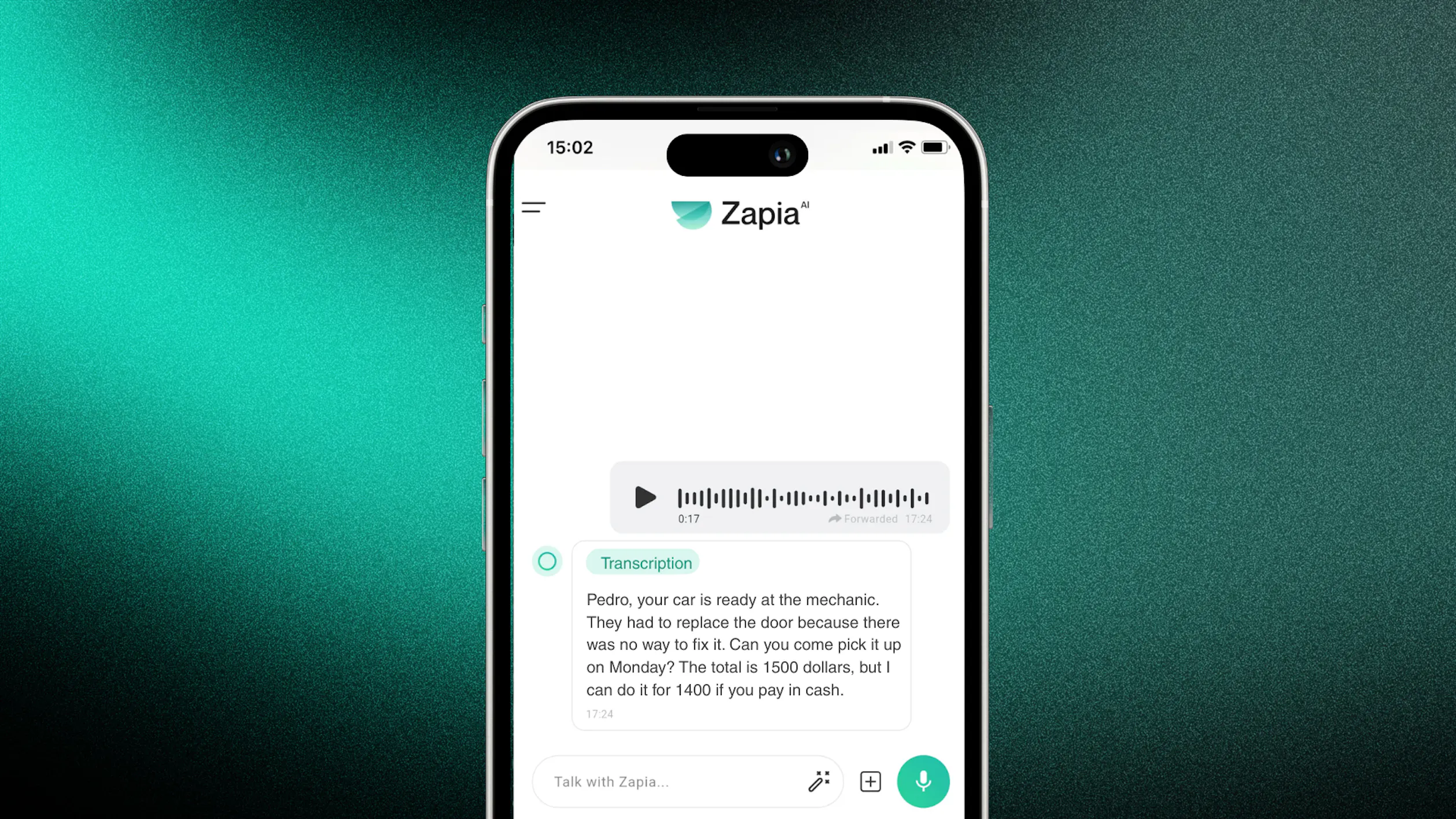
Image Description for Visual Impairments
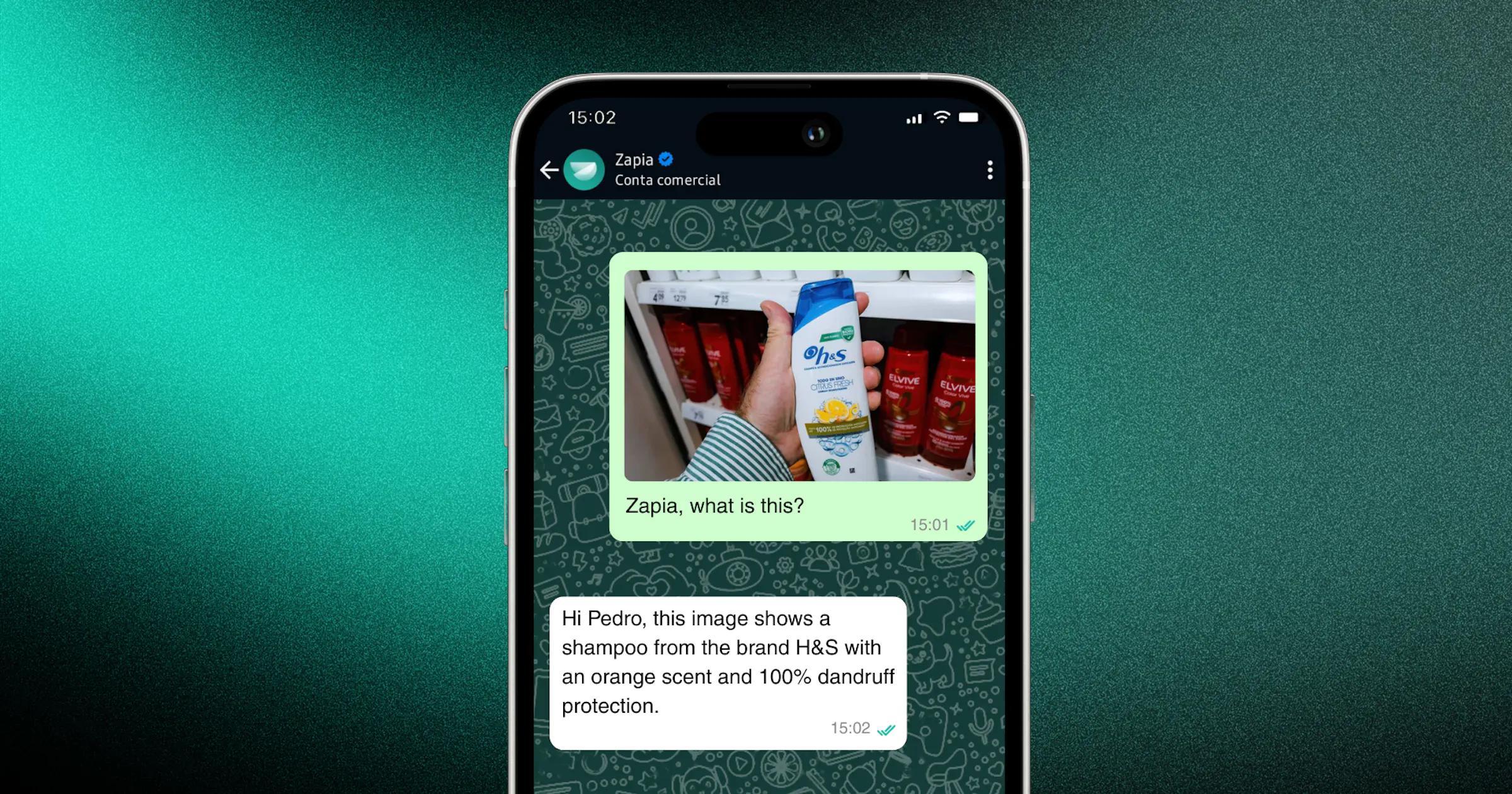
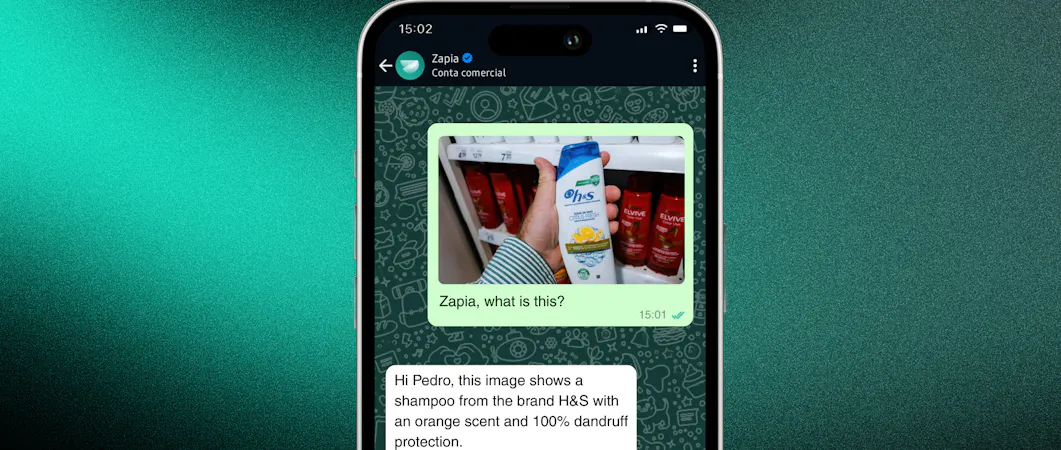
People with visual impairments can benefit from image description. With this feature, it’s possible to identify and create descriptions of any image. For example, a person with a visual disability can take a photo of a product in a store and ask Zapia what it is.
It’s also possible to translate text from images and digitize handwritten notes by sending a picture to Zapia. This makes the user experience more complete and accessible.
PDF Interpretation: A Helping Hand for Everyone
Zapia also offers PDF interpretation, which not only helps people with visual impairments but also makes documents easier to understand for users with different needs. This facilitates reading charts, images, manuals, contracts, and various materials, clearing any doubts about the document and explaining it in language that’s easy for everyone to understand.
Accessibility in the Zapia App
At Zapia, we believe accessibility isn’t an extra feature it’s a key part of reaching everyone, without limits.

We designed our app with special attention to different accessibility needs, from the interface to the most used features:
Voice navigation for hands-free use. Adaptive interface with layouts for web and mobile, plus support for large text. Enlarged touch controls with bigger buttons to make tapping easier. Visual feedback with high-contrast colors and clear icons. Simplified navigation. Screen readers with descriptions for all buttons and commands.
Try Zapia and Experience Inclusion Through Technology
Want to give it a try? Visit Zapia on WhatsApp or download the app and discover a new, accessible way to use technology.