Your audios, in text. Automatically.
Connect the Zapia app to your WhatsApp and turn on automatic transcriptions. Every voice message you receive will be automatically transcribed by Zapia, right inside the same chat. No forwarding, no copying, and no switching apps.
How it works
1. Link your WhatsApp
Follow the steps in the app to connect your number. It’s a one-time setup.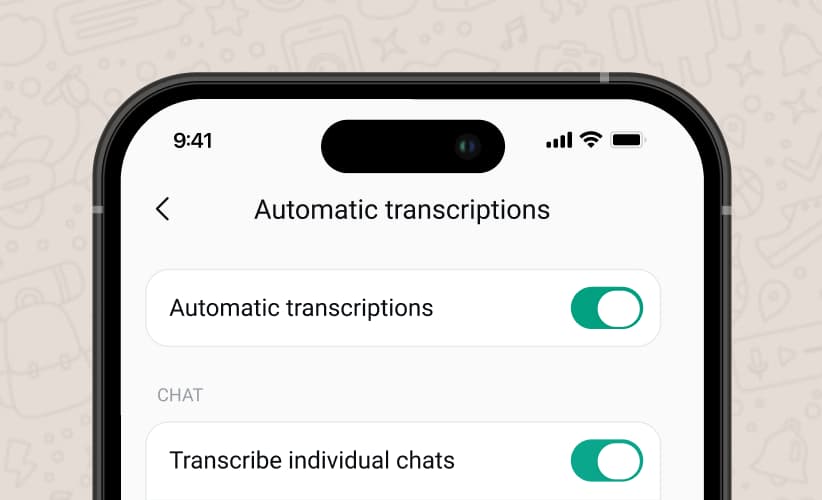
2. Turn on transcriptions
In Settings, switch on Automatic Transcriptions. Done.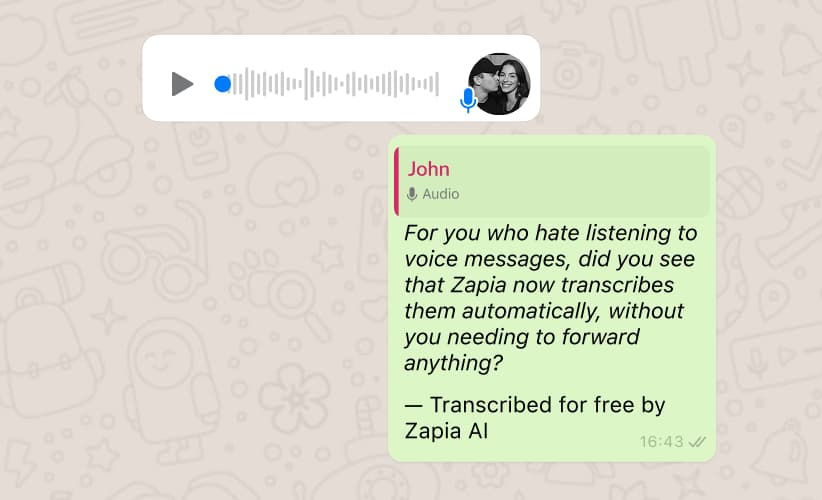
3. Your voice messages as text
When you receive a voice note, Zapia will automatically send in your name the transcription in the same chat.Prefer to transcribe them manually?1. Select the voice message.2. Select share outside WhatsApp3. Choose the Zapia app.And done! Your audio in text, in seconds.Transcribe audio in the app
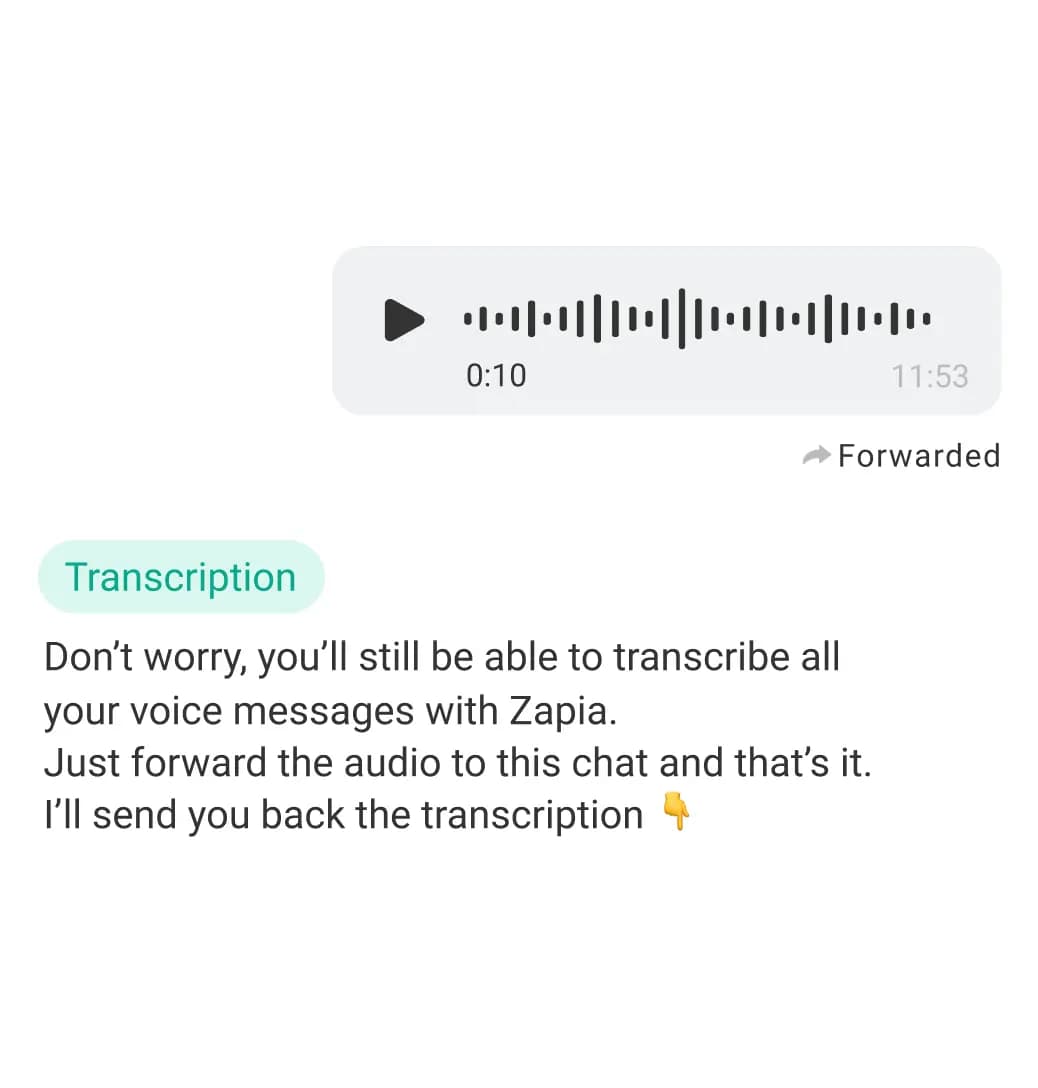
Benefits of Automatic Transcriptions✅ Find everything faster — With automatic WhatsApp voice message transcriptions, searching who said what is as simple as using the WhatsApp search bar.✅ Skip the audio guilt-free — Read the info instantly, without listening to long intros or rambling.✅ Perfect when you can’t listen — Meetings, class, work, commuting… or whenever you just don’t want to use headphones.✅ Everything in one place — The transcriptions appear right in the same chat, no forwarding or opening other apps.✅ Great for sharing — Copy and paste the important stuff in seconds, without sending full voice messages.Transcribe an audio

Discover everything you can do with Zapia