Schedule Messages on WhatsApp
Now you can schedule WhatsApp messages sent from your own number, naturally, as if you had sent them in real time. Just connect your WhatsApp to the Zapia app, ask by voice or text to schedule a message, choose the time, and Zapia takes care of sending it at the exact moment.
How to Schedule WhatsApp Messages
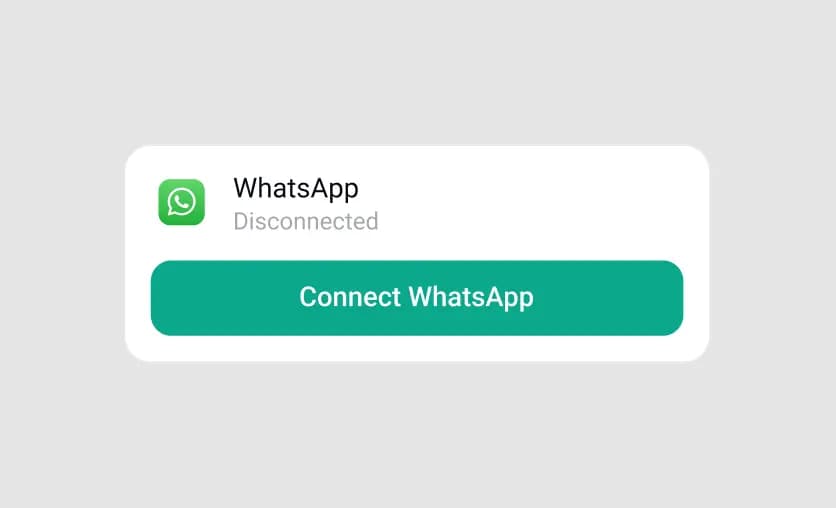
Connect your WhatsApp to Zapia
Open the Zapia app and complete the connection to your WhatsApp in the Settings menu.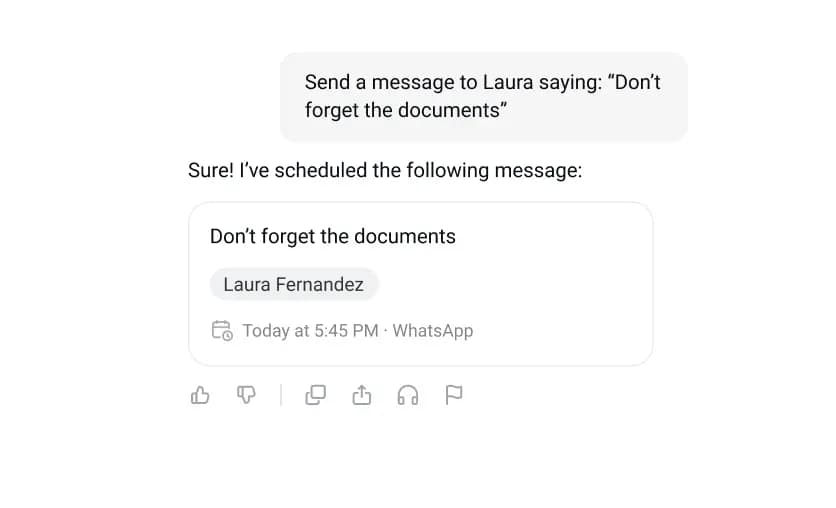
Schedule your message
In the Zapia chat or in the Scheduled Messages menu, set your message with the contact and delivery time.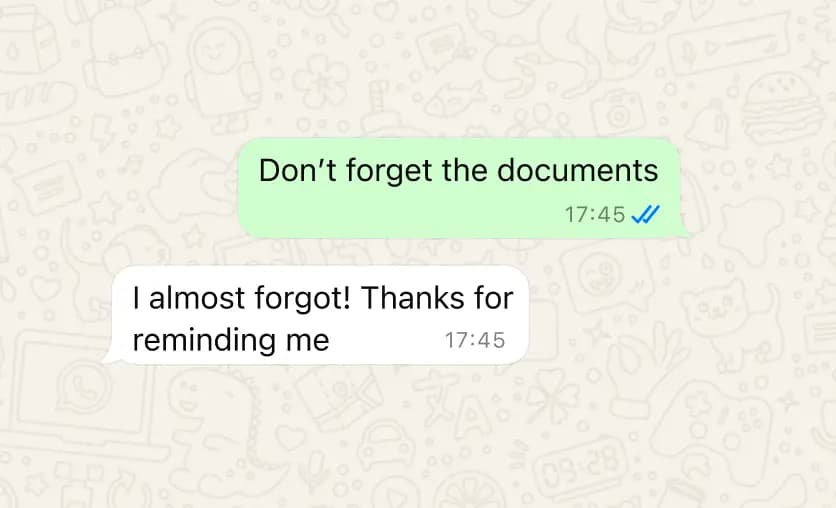
Zapia sends it for you
The message is sent from your WhatsApp number, exactly as if you had sent it at that moment. You can view or cancel all scheduled messages anytime in the Scheduled Messages menu.Write it on Sunday. Send it on Monday.✅ Write it when you remember. Send it when it makes sense✅ Messages are sent from your WhatsApp number, at the exact minute✅ Schedule birthday messages, important notes, or reminders✅ This and 20 other free features with ZapiaTry It Now

Discover everything you can do with Zapia